
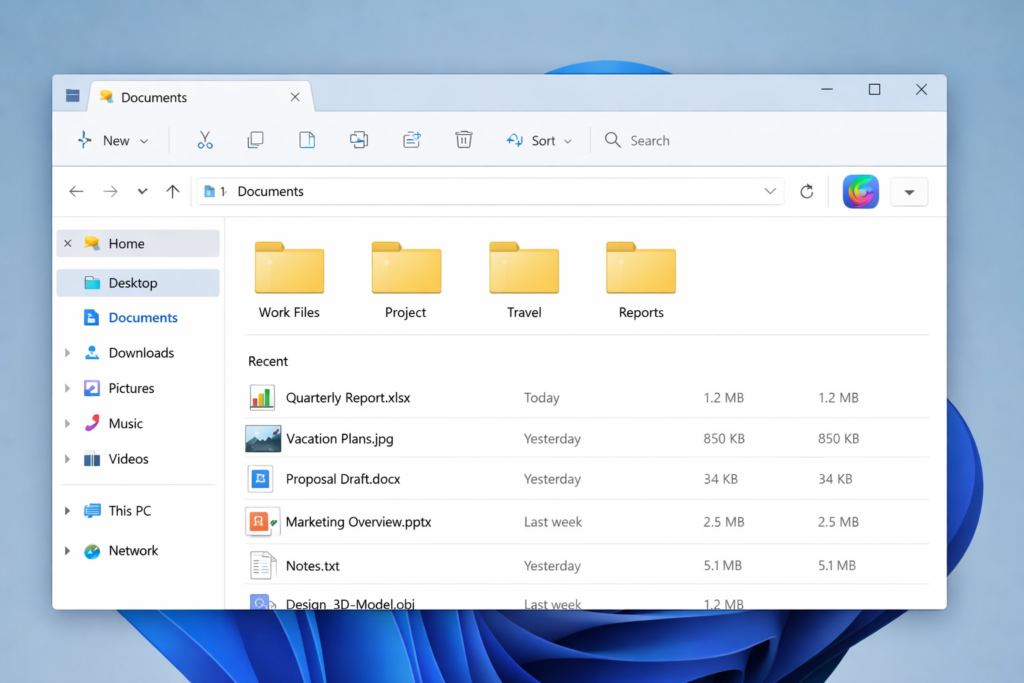
Image Credentials: Image Title: Microsoft Pushes Copilot Deeper into Windows with File Explorer Integration Source: (sora.openai) Date: January 2026. Attribution: This image was created using AI-generated imagery (sora.openai) and does not depict a real-world scene.
By José Carlos Palma | Open Chronicle Editor-in-Chief
Microsoft is preparing to bring its AI assistant Copilot into one of the most fundamental parts of the Windows experience, File Explorer. A recent Windows 11 preview build has revealed that the company is testing a dedicated Copilot button inside File Explorer, signaling a major expansion of how tightly AI will be woven into everyday desktop computing.
The discovery was made by well-known Windows leaker phantomofearth, who noticed an invisible but active Copilot button embedded in File Explorer. While Microsoft has not yet explained exactly how the feature will work, the most likely use is contextual AI assistance tied to the files users select. For example, clicking on a document or image could allow Copilot to summarize it, explain it, rewrite it, or provide insights without opening a separate app.
This would go beyond the current Copilot integration, which is already available through the right-click menu in File Explorer. A permanent button would make Copilot feel less like an optional tool and more like a built-in layer of the operating system, always present and always available.
Screenshots shared by phantomofearth also showed two Copilot prompts appearing on the Windows taskbar at the same time, which is probably a bug in the preview build. Still, the images quickly spread across social media, where critics joked that Windows 11 was becoming cluttered with AI elements, even coining the mocking nickname “Winslop 11.” The reaction highlights a growing frustration among some users who feel that artificial intelligence is being forced into parts of their software where it is neither wanted nor needed.
Microsoft, however, appears determined to make Copilot a central pillar of its ecosystem. The company has already embedded it into Windows, Office, Edge, and even hardware partner products. Recently, LG began pushing Copilot onto some of its smart TVs, which sparked backlash until the company agreed to let users remove the shortcut. That episode shows the tension between Microsoft’s vision of AI everywhere and consumers’ desire for control over their devices.
From Microsoft’s perspective, deeper File Explorer integration could be extremely powerful. Files are the heart of productivity, and an AI assistant that can instantly analyze, organize, summarize, or transform documents could save time and unlock new workflows. For power users, journalists, developers, and office workers, having Copilot just one click away from any file could feel like a genuine upgrade.
For others, it may feel like another layer of digital noise.
As these features are still hidden in preview builds, it is unclear when or even if the Copilot button will roll out to the public. But the direction is unmistakable. Microsoft is not treating Copilot as an add-on. It is treating it as a core part of what Windows is meant to be.
Whether users embrace that future or resist it will shape the next phase of the personal computing experience.