
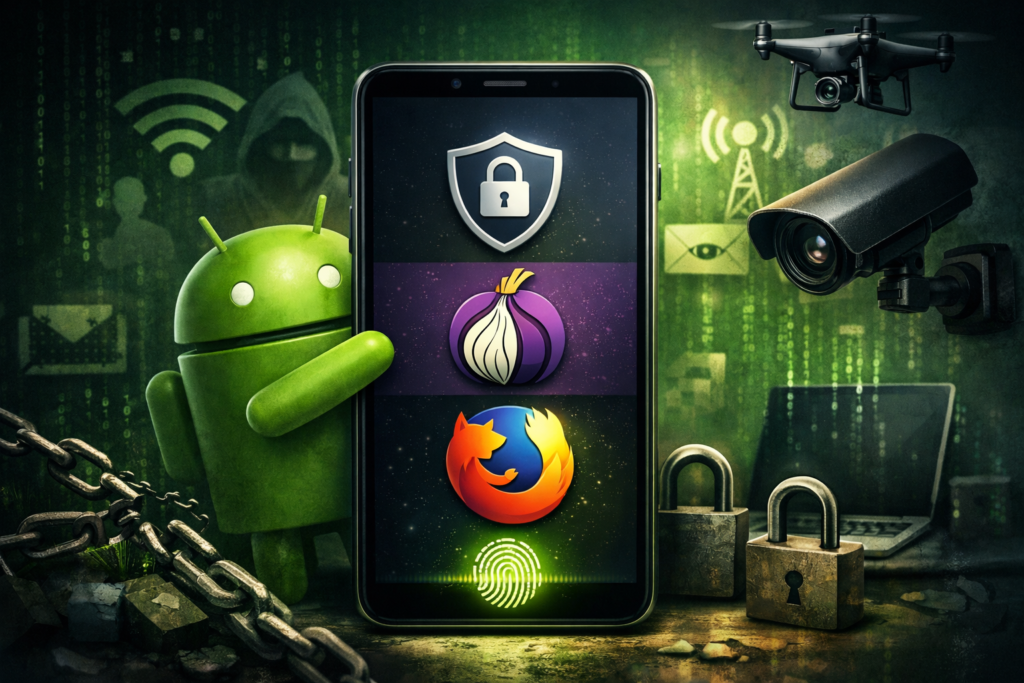
Image Credentials: Image Title: Top 3 Android Browsers to Reclaim Your Privacy Source: (sora.openai) Date: March 2025. Attribution: This image was created using AI-generated imagery (sora.openai) and does not depict a real-world scene.
By Julian Thorne | Open Chronicle Tech
SAN FRANCISCO — While Google Chrome remains the undisputed king of the Android ecosystem, a growing number of users are beginning to tire of its “heavy” approach to ad personalization and constant tracking. For many, the switch away from Chrome isn’t sparked by a sudden obsession with cybersecurity, but rather by the sheer annoyance of persistent ads and a digital experience that feels “too monitored.”
As the mobile landscape evolves, several alternatives have emerged that prioritize user anonymity without sacrificing the speed and convenience consumers expect. Here are the three best Android browsers for those looking to cut ties with Google’s data-logging machine.
1. Brave: The Seamless Transition
For users who want the “Chrome feel” without the “Chrome tracking,” Brave is the gold standard. Built on the same Chromium engine, its interface remains familiar enough to ensure a painless transition.
The primary appeal of Brave lies in its “Shields” feature, which is active by default. It blocks third-party trackers, invasive ads, and common fingerprinting methods without requiring any manual configuration. Because it filters out data-heavy scripts at the source, pages often load significantly faster than they do on Chrome, while simultaneously preserving mobile data. It strikes a rare balance between total convenience and robust privacy.
2. Firefox: Ultimate Flexibility
Unlike most mobile browsers, Firefox is not built on Chromium, offering a genuine technical separation from Google’s infrastructure. This makes it an ideal choice for “high-sensitivity” tasks like banking or shopping.
Firefox stands out for its granular control. Its “Enhanced Tracking Protection” blocks everything from cryptominers to cross-site trackers. Furthermore, it supports a wide range of extensions, allowing users to install advanced ad-blockers and swap search engines to privacy-centric options like DuckDuckGo. If you need a browser that acts as a fortress for specific workflows, Firefox is the tool for the job.
3. DuckDuckGo: The “Burn After Reading” Option
DuckDuckGo’s browser is designed for simplicity and temporary sessions. It lacks the complex customization of Firefox but excels at “one-tap” privacy.
The browser features a prominent “Fire Button” that instantly clears all open tabs, history, and cookies. It automatically strips tracking identifiers from URLs and hides your activity from third-party networks. It is the perfect “secondary” browser for quick searches or clicking on untrusted links that you don’t want tied to your permanent digital footprint.
The Verdict
Achieving 100% privacy online is an unrealistic goal for the modern user, but gaining better control over your data is entirely possible. While Brave can easily replace Chrome as a daily driver, keeping Firefox for secure transactions and DuckDuckGo for private searches creates an effective, layered defense against the modern web’s tracking-heavy architecture.