
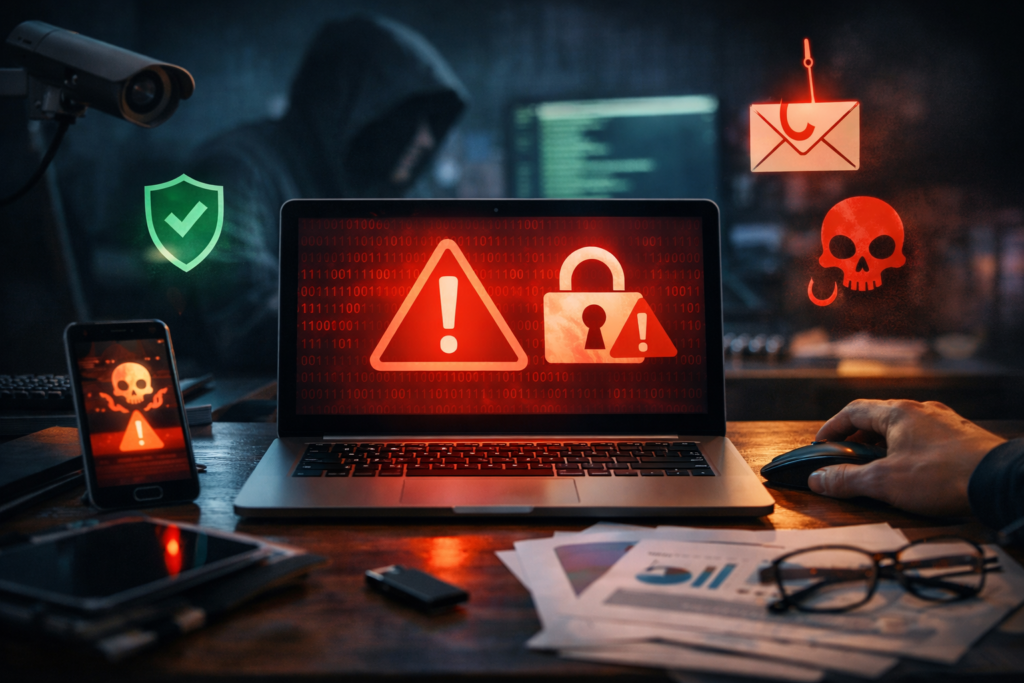
Image Credentials: Image Title: DEFENDING YOUR DIGITAL DOORSTEP: HOW TO SPOT REAL SECURITY ALERTS FROM PHISHING SCAMS Source: (sora.openai) Date: March 2026. Attribution: This image was created using AI-generated imagery
By Open Chronicle Staff
It is a moment of instant panic, your smartphone vibrates, and a notification appears: “Unusual login activity detected on your account.” In that split second, most users face a frantic dilemma, is this a legitimate warning from Google or Microsoft, or is the message itself the actual attack?
As cybercriminals increasingly use Artificial Intelligence to forge near-perfect replicas of official communications, the line between safety and a security breach has never been thinner. Experts warn that “pânico imediato” (immediate panic) is a hacker’s greatest ally, designed to make users bypass critical thinking and hand over their digital keys.
Decoding the Alarm: What Alerts Actually Mean
Not every security message implies a successful hack. Understanding the levels of protection used by major providers can help users maintain their composure:
-
Blocked Suspicious Login: This is actually positive news. It means the system detected an unauthorized attempt from an unknown device or location and successfully repelled it.
-
Unusual Activity Detected: This suggests patterns that deviate from your normal behavior, such as a sudden mass output of emails. This requires a rigorous account audit.
-
Precautionary Account Lock: While dramatic, this is an emergency “kill switch” used by providers to prevent further damage after a suspected compromise.
The Three-Point Cold Check
Before clicking any link, security specialists recommend a “cold check” to expose fraud that even AI-generated emails often get wrong:
-
The Sender Trap: Never trust the display name (e.g., “Amazon Security”). Inspect the actual email address behind it. The domain—the part after the @ symbol—must match the official service exactly. Watch out for subtle variations like “amazon-support.com” or strings of random characters.
-
The Hover Trick: On a computer, hover your cursor over any button or link without clicking. The true destination URL will appear at the bottom of your browser window. If it doesn’t match the official site, delete the email immediately.
-
Artificial Urgency: Scams rely on psychological pressure. Phrases like “Act within 10 minutes or your account will be deleted” are red flags. Reputable services do not use “ticking clock” threats to force user action.
The Golden Rule: Manual Access
The most effective way to stay safe is to ignore the email entirely. > “If you receive a warning, close the email first. Manually open your browser, type the official address of your bank or service, and log in there. If there is a real problem, the notification will be waiting for you inside your official dashboard.”
Building the Digital Fortress
If a threat is genuine, experts suggest a five-step rescue plan: Clear active sessions, reset passwords using a manager (like Bitwarden or Dashlane), check for unauthorized email forwarding, revoke third-party app permissions, and investigate the root cause via tools like Have I Been Pwned.
To prevent future scares, the transition to Two-Factor Authentication (2FA) is now considered mandatory. While SMS codes are better than nothing, security professionals recommend app-based authenticators or physical hardware tokens like YubiKey, which remain the gold standard for account protection.
Ultimately, a strong defense starts with a shift in mindset: treat every urgent notification with a healthy dose of skepticism. In the digital world, slowing down for just ten seconds can be the difference between a secure account and a stolen identity.